
I created my first pin five years ago. 21,361 pins later I’ve gained 15,000 followers and have had as many as 84,000 viewers a month. Not too shabby, right? So I’ve created a little post about how to get started when it comes to using Pinterest to promote your blog or small business.
Setting up and arranging your Pinterest boards
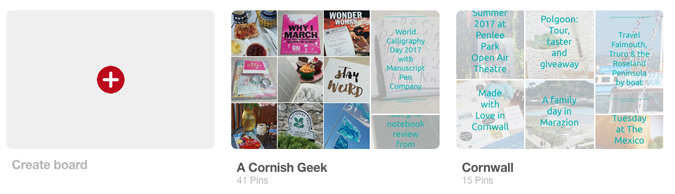
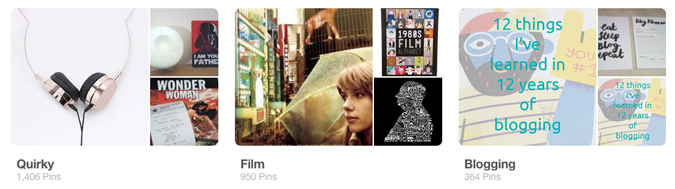
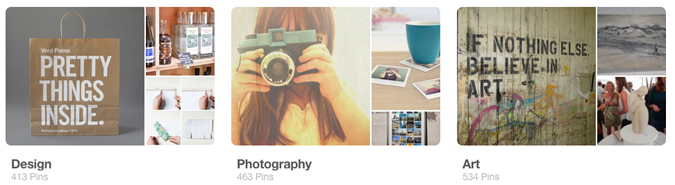
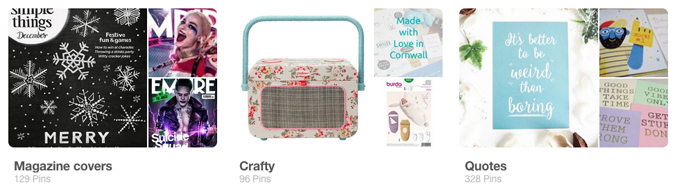
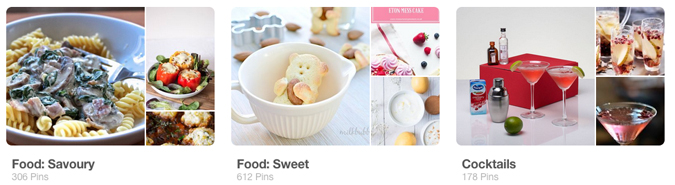
Before you start pinning you want to create some boards. Think about the areas that interest you most and create a board for each one. Then rearrange them on your profile page to favour the ones that you want to get the most traffic at the top. This should include a board dedicated to your blog posts/products. Here’s a selection of mine.

Analysing your stats
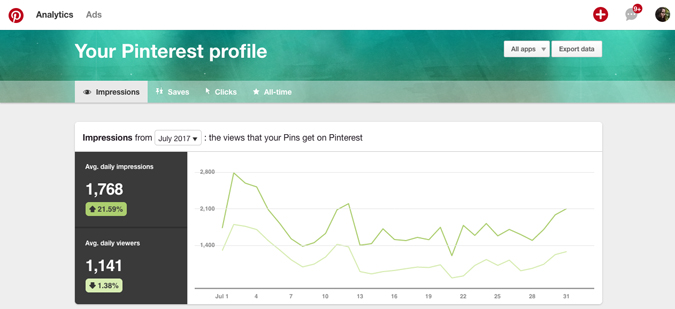
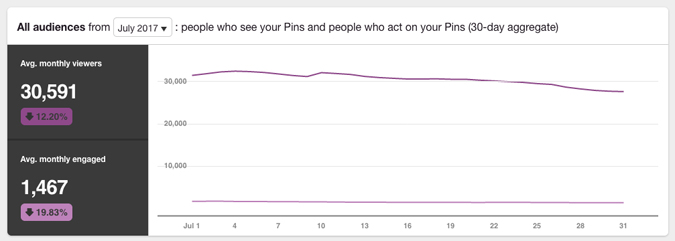
Pinterest analytics are oodles of fun and I track mine every month (nerd alert!). You can see how much traffic your boards get and, more specifically, the stats of the pins generated from your own site. All you need to do is embed a little bit of code into your site (not gonna lie, I’ve been trying to fix mine since I changed my domain and it doesn’t seem to work…). It’s generally really straight forward; you just generate the code under your profile settings.

Knowing your audience
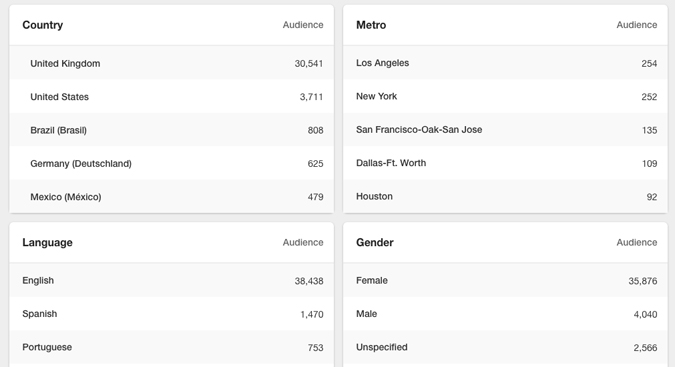
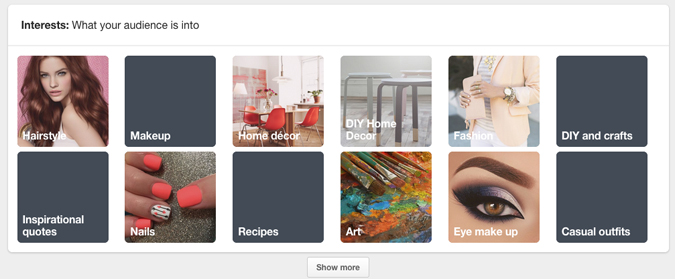
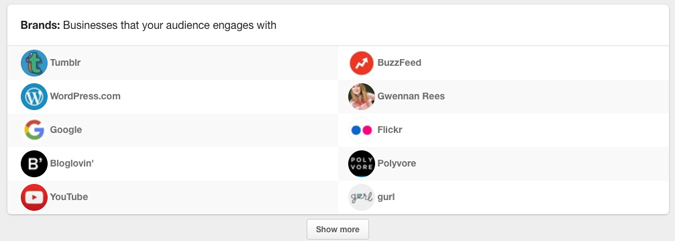
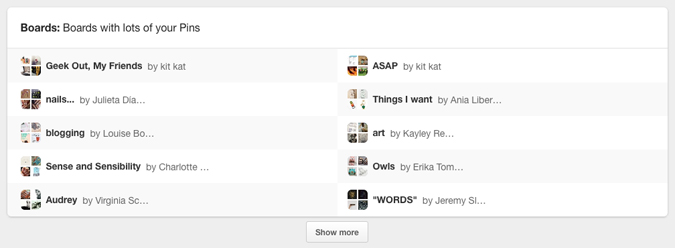
Pinterest can tell you a lot about your audience too – where they’re based, language, gender, interests and other brands they engage with, so you know who to target and how. You can also see which boards people like to pin your content to. Clever!
Sharing and engaging
Of course, you don’t want to just be sharing your own content. I like to use Pinterest as a bookmarking site, pinning blogging tips to my blogging board, gift ideas for Jenson for Christmas (and myself!), recipes to try, places I want to visit and more. Sharing is caring!
Creating engaging content
I had a big follower boost early on when some design sites (Design Shack, Design School and Creative Bloq) shared my magazines board. When something like this happens you can work it to your advantage by pinning other relevant content to the same board, so rather than just pinning magazine covers, I also share blog posts where I talk about my favourite mags. Win win!

A top tip is to create an optimized pin for your blog posts – something that’s sized appropriately (736 x 1104 pixels) and features your blog’s branding. It’s good to be recognisable.

I hope this post has been a good starting point for any bloggers thinking about creating a Pinterest account but don’t really know where to start. If you’ve got any questions, leave me a comment and I’ll do my best to help.
thank you….great tips… also check https://bloggycontentwriter.wordpress.com/2017/09/06/5-effective-social-media-update-ideas-to-get-more-likes-comments-and-shares/
Hi Emma, interesting and useful thanks! How do I get/use Pinterest analytics?
Under your profile you change to a business account and verify your URL 🙂
It is very kind of you to have shared this useful information. Thanks.💖
This is really interesting and helpful! I never got the analytics set up properly on my website, did you do that thing where you added in some HTML? xxx
I’m actually trying to look into how to do that on my current version of WordPress as the process changed a year or two ago and my Pinterest and blog are no longer connected.