
As a blogger, it’s so important to have a good planner. And by good I mean not just a simple diary. You need one that meets a range of needs – planning and scheduling posts, tracking stats, noting sponsored content, a contacts list, etc. And when Dot Creates released their Ultimate Blog Planner, I was straight in there. Now I’ve had a chance to use it for a few weeks, I thought I’d share a review.
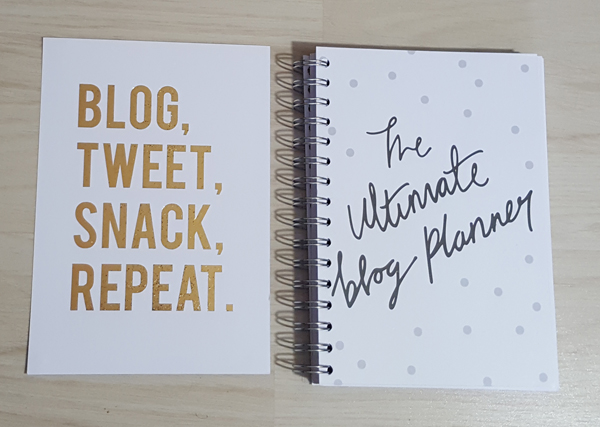
I spent most of last year using the blogger’s journal from Paperchase. What made that journal particularly useful for me was that it had a separate space for a ‘highlight’ each day. If you’re new to this blog, I post an item of the day every day, as well as regular, more in-depth posts. The item of the day posts don’t take much planning but I like to note what I’ve written about so that I mix the subjects and brands up a bit. It’s the other posts which take a bit more planning; I particularly like to note my potential Friday Favourites through the week.
Dot Creates also produces a separate blog planner notepad which is great for those posts which take a bit more planning, and it’s this detail which takes up the bulk of the ultimate blog planner.
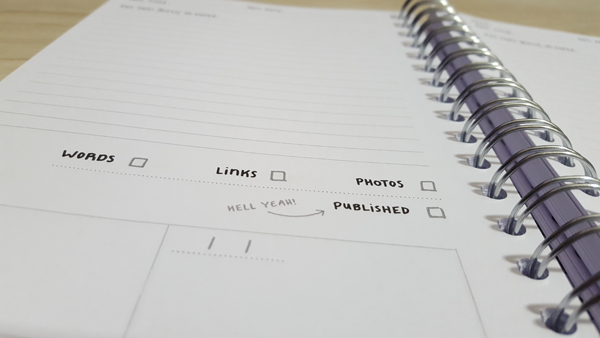
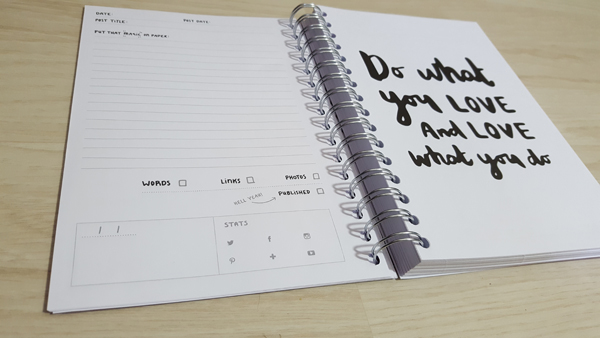
It’s not dated, which makes it great to buy at any point in the year, and the planner has motivational quotes scattered throughout. You can use these as monthly markers but if you’re not a daily blogger it can be frustrating to have them fall part-way through the month.
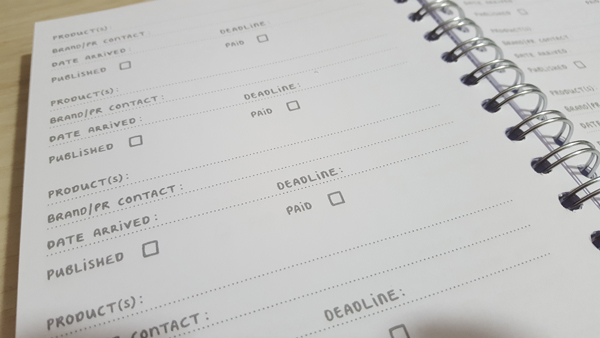
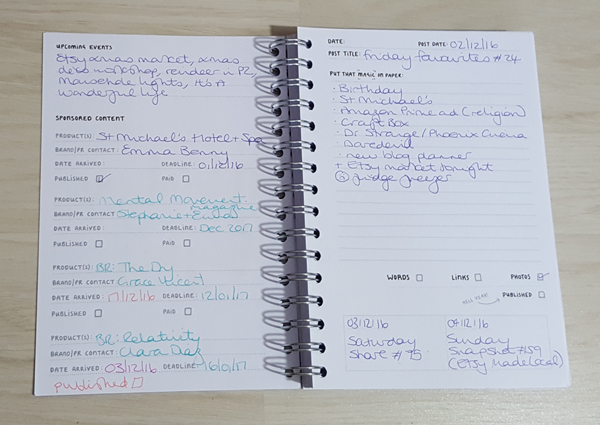
At the start of each month there’s also a sponsored content tracker, where you can note what you’re expecting to receive, your contacts and deadline. There are also extra sponsored content pages at the back of the planner if you receive a lot of regular content.
You can also find a notes section at the back, which I’ve used to note regular Twitter chats, as well as popular hashtags and RT accounts.

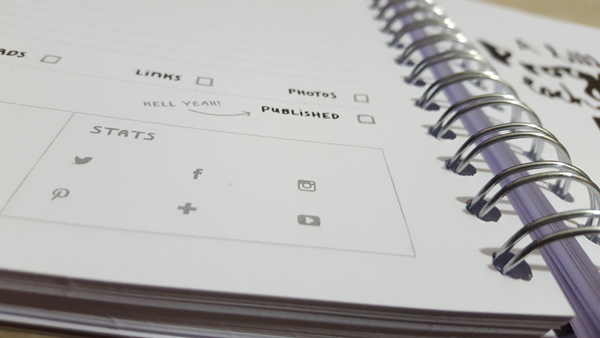
If you’re looking for a stats tracker, there’s a small section at the end of each ‘month’ for your page views and follower count on various social media platforms. As someone who tracks stats in a bit more detail (most popular post, bounce rate, impressions, engagement, etc), I’d like something a bit more substantial but I understand that this isn’t relevant for everyone.
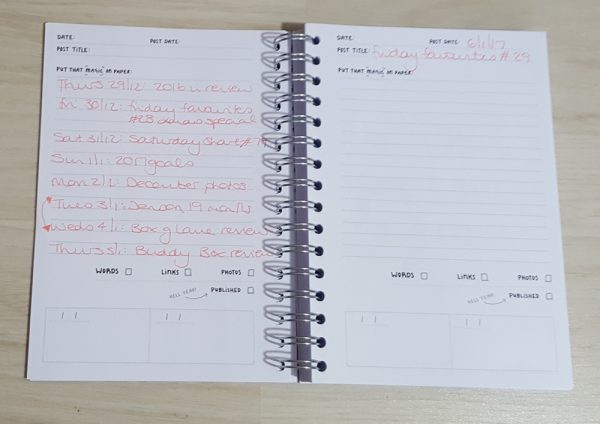
The planning pages are great for my Friday Favourites and ranty posts but I’ve found myself using them as notes pages for other days of the week. I guess, for my purposes, what would work best would be a week on one page with a notes page on the facing page. Or a blank calendar in addition to the planning pages.
I think it’s going to be almost impossible to find a perfect blog planner. We’re all at various stages of our blog’s lives and different levels of, for lack of a better word, professionalism, so we all have different needs. In terms of planning the content of individual posts, the ultimate blog planner from Dot Creates is great. Plus everyone loves a good motivational quote. It’s a good size, I like the spiral binding and the wipe clean cover is great for messy buggers like me. If you’re a newbie blogger looking to improve your content, this is the one for you.
I’ll be back later in the week with more on what I think makes the perfect blog planner.
This is beautiful! It looks really handy aswell 🙂 ,3
https://busybeeblogweb.wordpress.com
Omg I love this. Definitely need to purchase this, maybe my blog post will become more regular. I am a planner junkie!
Me too!
Just found you blog & what a great idea! I am just now getting more organized with blogging – usually I just write whenever I have time & have an idea. But I am figuring out a schedule now. Do you have a blogging/posting schedule too?
I sort of do in that I have themes for my weekend posts and I plan ahead in the week. Planners help me keep track of my ideas 😊
Okay cool :)) It’s interesting to see how other bloggers plan their blogs out! Especially because at the moment I don’t have much of one lol. Thx!
I have the little blog planner notepad from Dot Creates which I rely on so much now, I definitely need the diary planner in my life!
Alice | alicemaysnell
The new desk pad is gorgeous too 🙂